

Cornell Makerspaces

Build your ideas.
Find your space.

Explore Cornell’s making and fabrication spaces, their equipment, and how to get started.

Explore the spaces
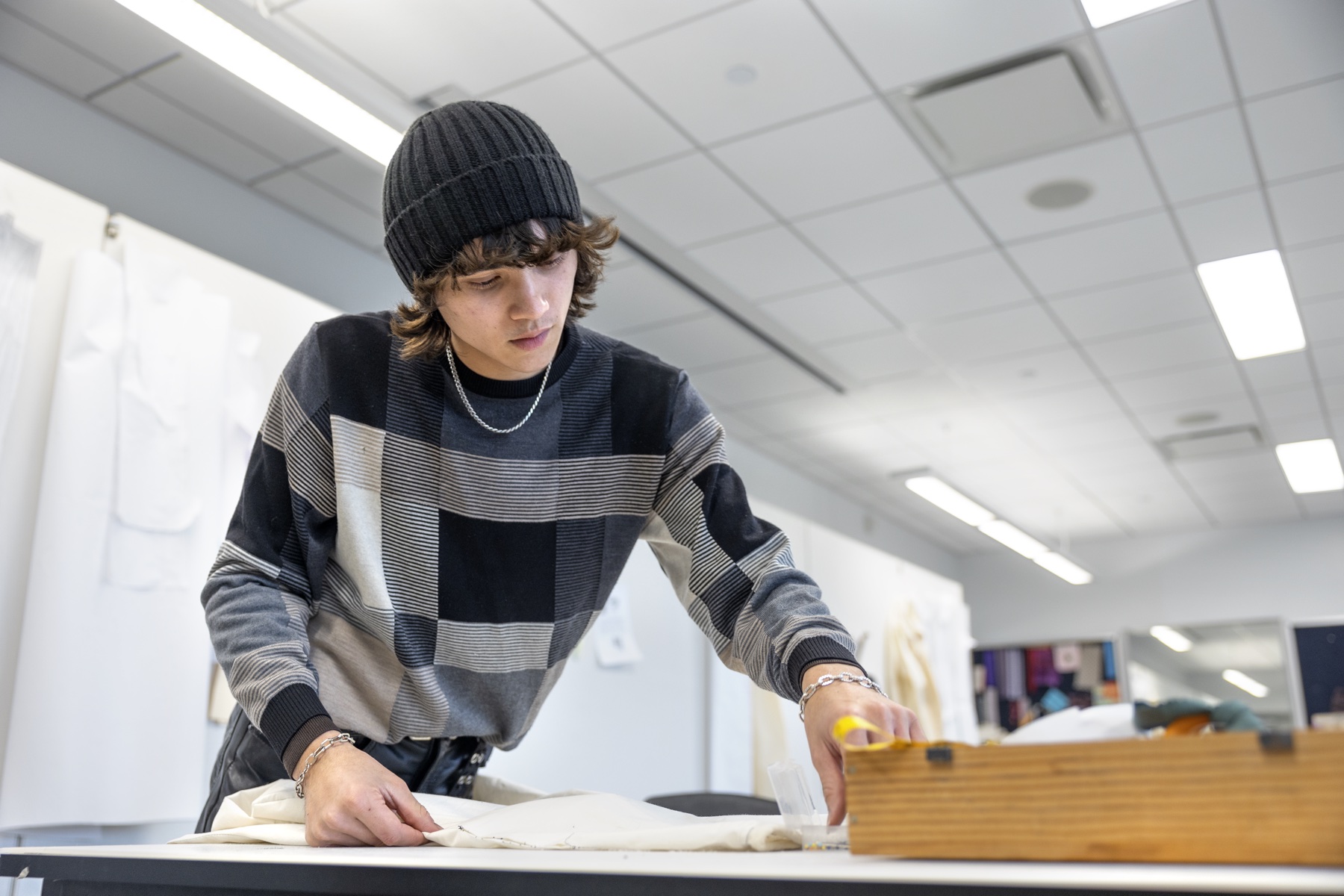
Student preparing a garment in a Human Ecology apparel studio
Making at Cornell · Human Ecology apparel studio
New to Makerspaces?Learn the basics and how to get access.
Find a SpaceExplore spaces and find the right fit. Resources & TrainingFind guides, requirements, and support. CommunityExplore the Cornell Maker Club.

Explore Cornell Makerspaces

Discover spaces across Cornell and compare their focus, equipment, and access.

Find the tools. Plan your visit.

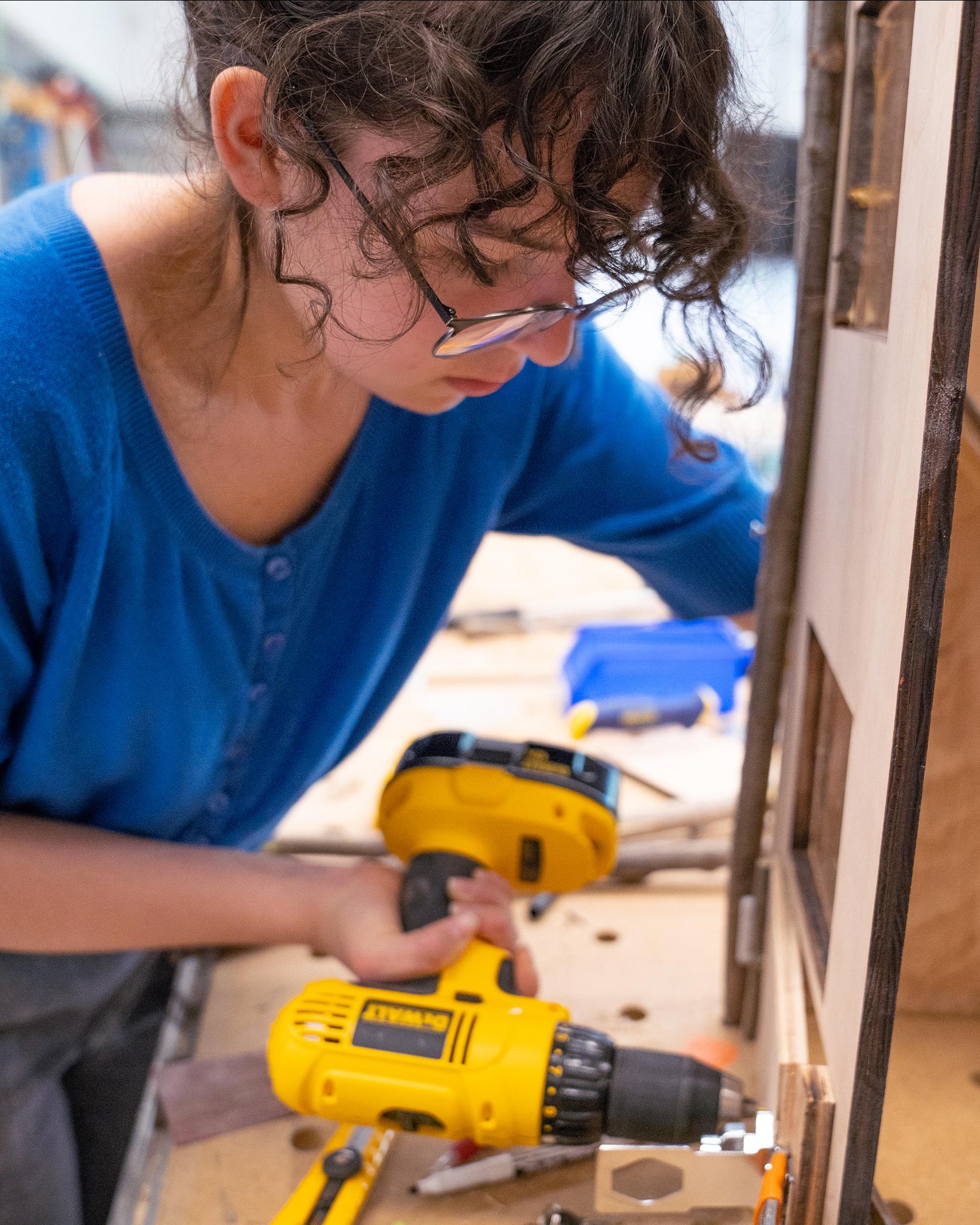
Student using a drill in Cornell’s Digital Design and Fabrication Studio

Human Ecology

Digital Design + Fabrication Studio

2L31 Human Ecology Building · D2FS-Lite: 1101 MVR (dHIVE)

D2FS-HQ has seven specialized studio zones for design and fabrication. D2FS-Lite is at dHIVE, 1101 Martha Van Rensselaer Hall.

Hours
D2FS-HQ: Mon–Fri, 9 a.m.–4:30 p.m.
D2FS-Lite: 24/7 for trained HCD members after required supervised uses; laser 7 a.m.–11 p.m.
Contact
ched2fs@cornell.edu
Access
HQ access depends on the zone: the wood shop, electronics, laser and 3D printing studios require an approved faculty member or D2FS staff member present. D2FS-Lite is for the HCD community after tool-specific training and supervised uses.
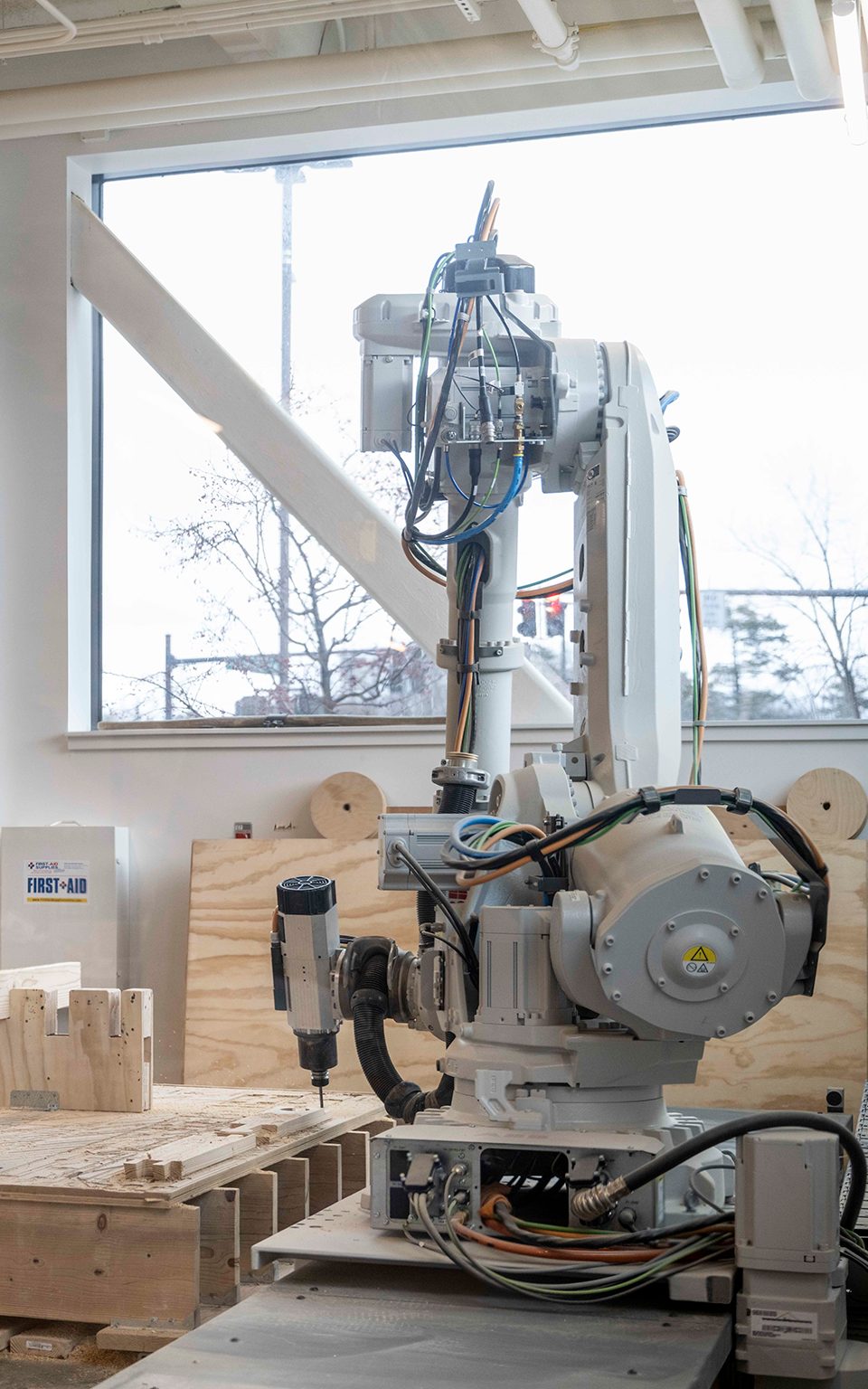
ABB robotic arm milling a timber assembly in an AAP fabrication space
Robotic fabrication · AAP

Architecture, Art & Planning

AAP Making & Fabrication

Rand Hall, 1st floor · Sibley Hall 240A

Rand Hall houses AAP’s wood and metal shops, CNC and robotics equipment, and a 24/7 work area. The Digital Fabrication Lab is in Sibley Hall 240A.

Hours
Mon, Tue, Thu noon–10 p.m. · Wed 1–10 p.m. · Fri noon–8 p.m. · Sat–Sun noon–6 p.m. Cleanup starts 30 min before weekday closing.
Sibley late night: 10 p.m.–midnight, Mon–Thu. Reduced early in the semester; see the official calendar.
Contact
aap_mpf@cornell.edu
Access
Authorized visitors use card access during open hours. Equipment-specific training is required. CNC work is by staff consultation, for qualified AAP coursework or research only, with at least 2–3 days lead time. Robotics requires qualified work, safety training and staff review.
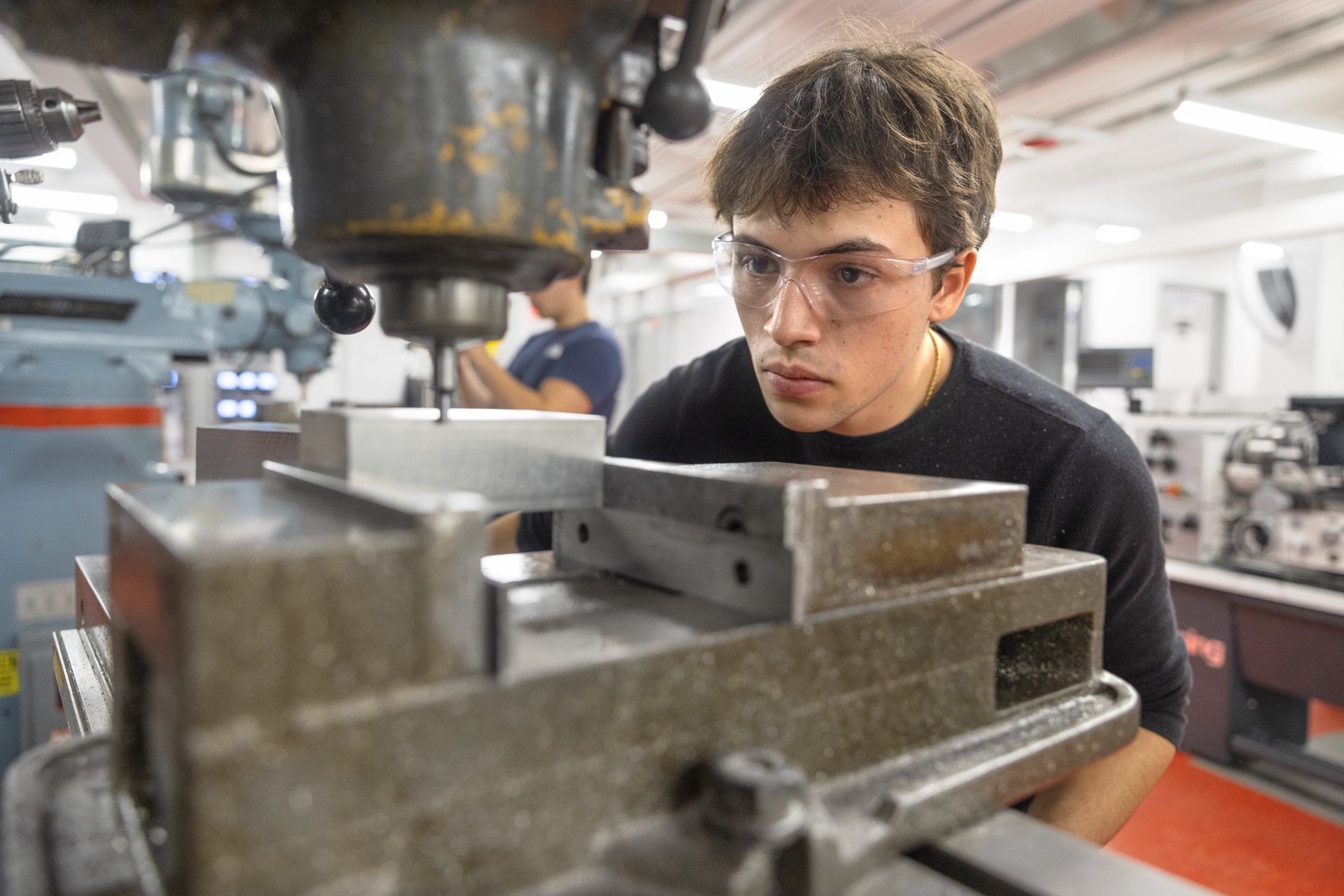
Student using a mill in the Autodesk Design and Make Space
Autodesk Design and Make Space · Upson Hall

Mechanical & Aerospace Engineering

Autodesk Design and Make Space

Upson Hall

The Sibley School’s fabrication space for designing, machining, measurement and prototyping. It is separate from AAP’s Autodesk space in Rand Hall.

Hours
Regular hours are not listed online. Request staff time or a tool reservation through the tool catalog.
Access
Red Apron orientation (on Canvas) is required before using any tool. Training levels: Red (manual tooling), Green (adds conversational tooling), Blue (adds Haas 3-axis). Many tools are open to non-Sibley users by reservation.
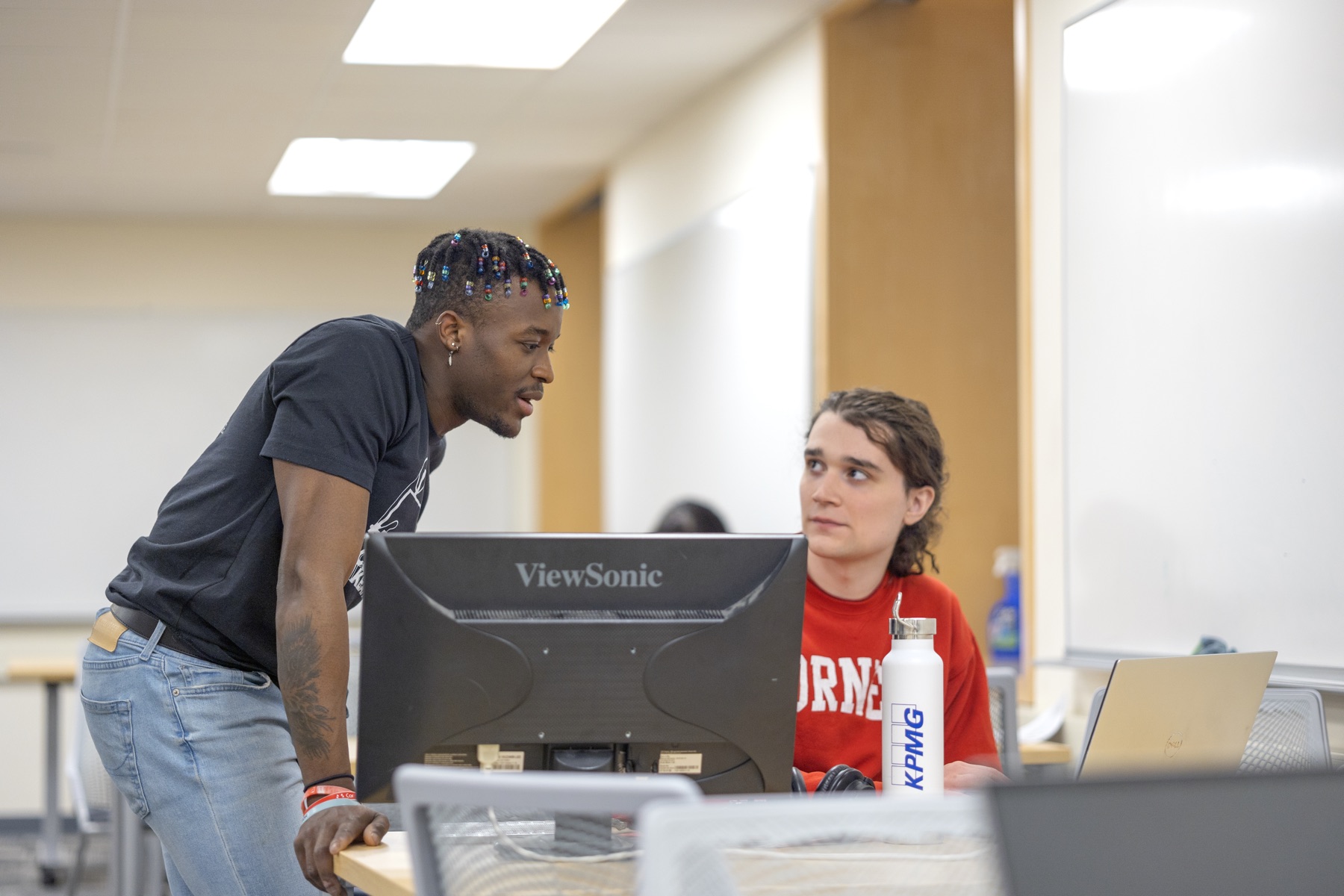
Students collaborating at the Maker Club Makeathon
Maker Club Makeathon · Duffield Hall, 2023

Student-run

Cornell Maker Club

209 Phillips Hall

Student-run electrical and mechanical lab in the David Ahl & Hui Family Maker Lab, for personal projects and independent experimentation.

Hours
Not listed online. Contact the club for its current schedule.
Contact
cornellmakerclub@cornell.edu
Access
Open to enrolled Cornell students after training; spots are limited and first come, first served. Club resources are for personal projects only, not classes, research or project teams.
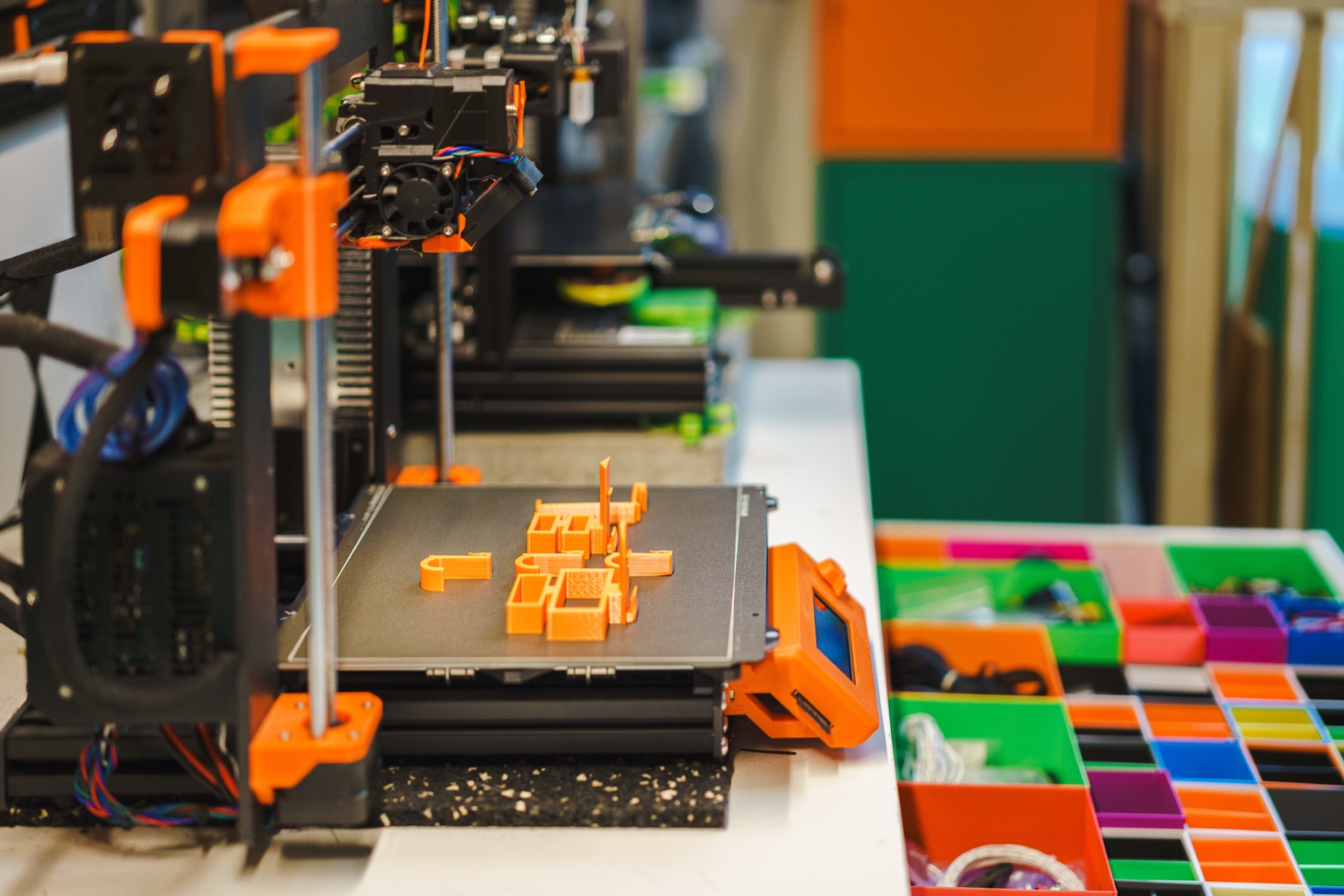
Illustrative image: 3D printer with freshly printed parts on the build plate

Engineering

Rapid Prototyping Lab

B22 Upson Hall

A student-run prototyping service for engineering project teams, MAE courses and Cornell research labs, offering 3D printing and laser cutting.

Hours
Open hours are posted on the lab’s website.
Contact
cornellrpl@gmail.com
Access
For research labs, MAE courses and project teams. Submit 3D prints through the online form; bring laser-cutting material to the lab during open hours. Non-academic projects should go to the Maker Club.
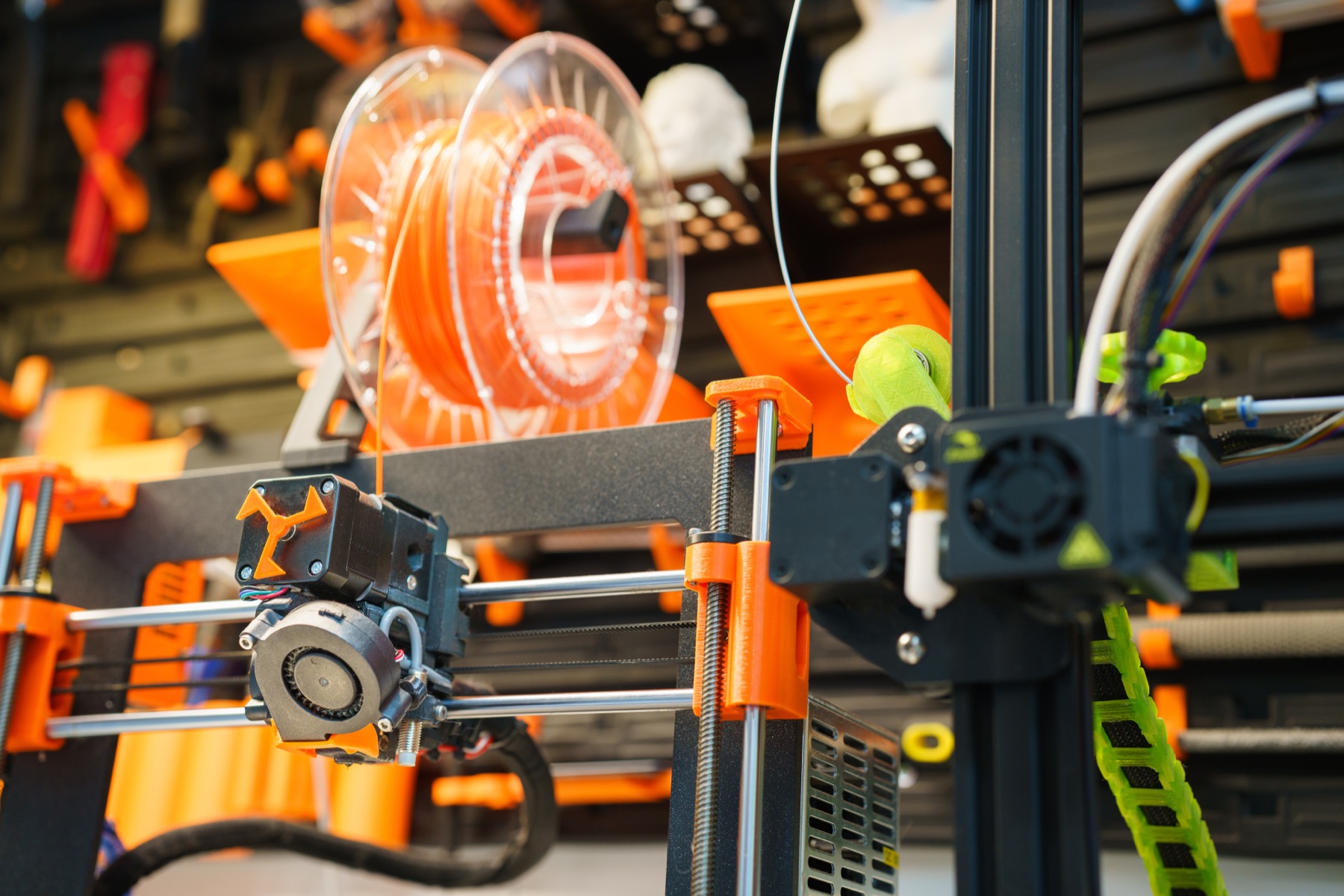
Illustrative image: close-up of a desktop 3D printer and filament spool

Cornell Tech

Cornell Tech MakerLAB

2 West Loop Road, Roosevelt Island

A prototyping lab for Cornell Tech students, faculty and the campus community, from initial ideas to refined prototypes.

Hours
Access Holders: 8 a.m.–8 p.m., seven days a week.
Super Makers (by application): 24 hours a day, seven days a week.
Contact
ln328@cornell.edu (MakerLAB Manager)
Access
Your access level and tool onboarding determine which tools you can use. Review the lab’s safety and tool resources before visiting.
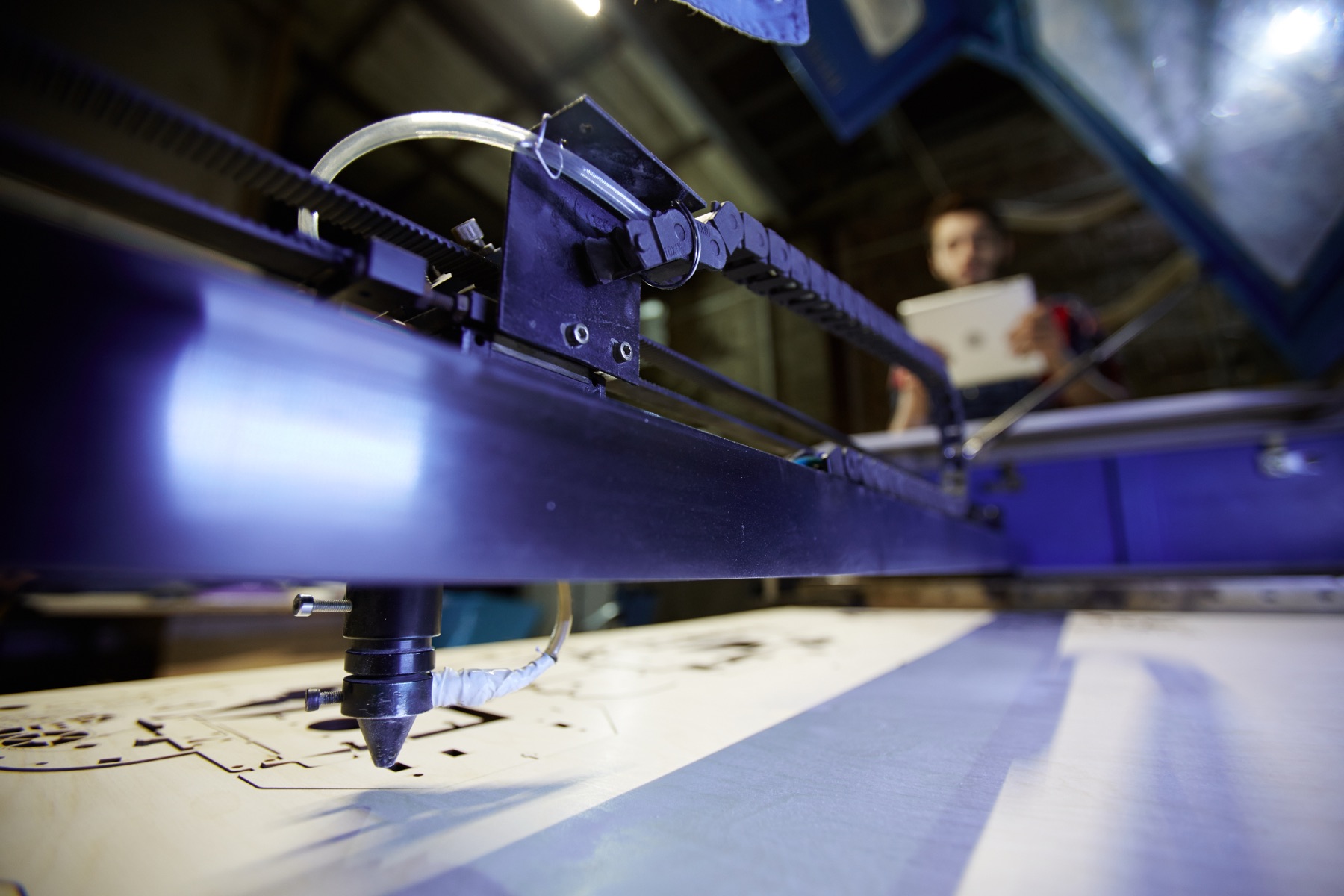
Illustrative image: laser cutter head cutting a wood sheet

Agriculture & Life Sciences

Landscape Architecture Fabrication Lab

Kennedy Hall, 4th floor

A dedicated laboratory next to the studio for landscape architecture, digital design, physical models and material research.

Hours
Not listed online. Contact the department for access and the current schedule.
Access
Serves landscape architecture students and faculty.
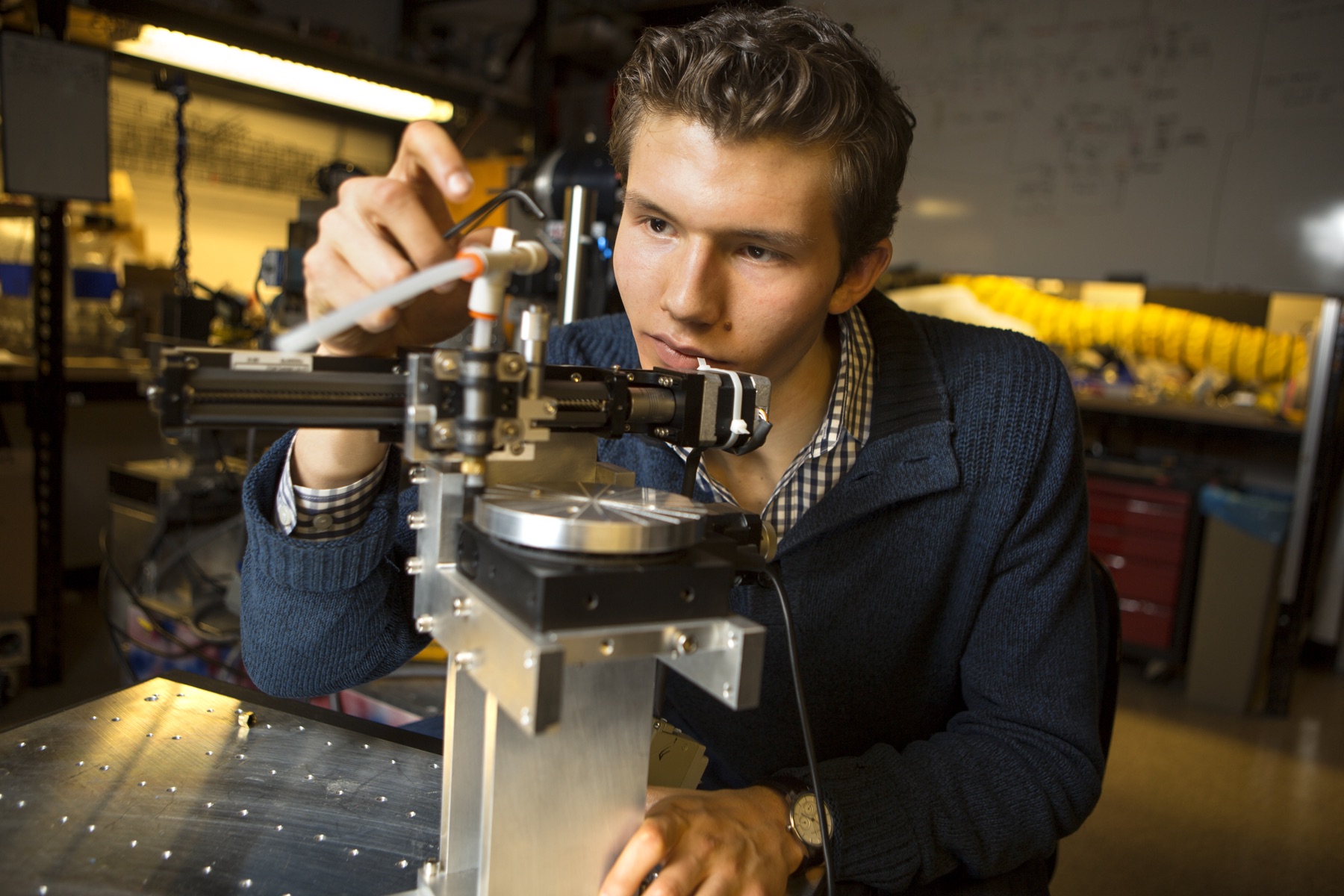
LASSP student research assistant Arthur Campello working on a robot
Robotics research at LASSP · 2017

Physics

LASSP Student Machine Shop

Clark Hall, basement D-26

A research machine shop for graduate students and researchers in LASSP and across Cornell.

Hours
Monday–Friday, 8 a.m.–4 p.m.
Contact
Robert Page, rtp43@cornell.edu
Access
Users still completing training must arrange supervised time with the shop. After hours, fully approved users only: ID card access and a buddy present for the entire visit.

Coming next · Beebe Hall

A new home for
making at Cornell.

Cornell Maker Hub · Coming soon

A welcoming place for students across Cornell to explore making, develop personal and course projects, and learn new tools—regardless of academic affiliation.

Planned spaces and equipment. Opening date, hours and access procedures will be announced when confirmed.
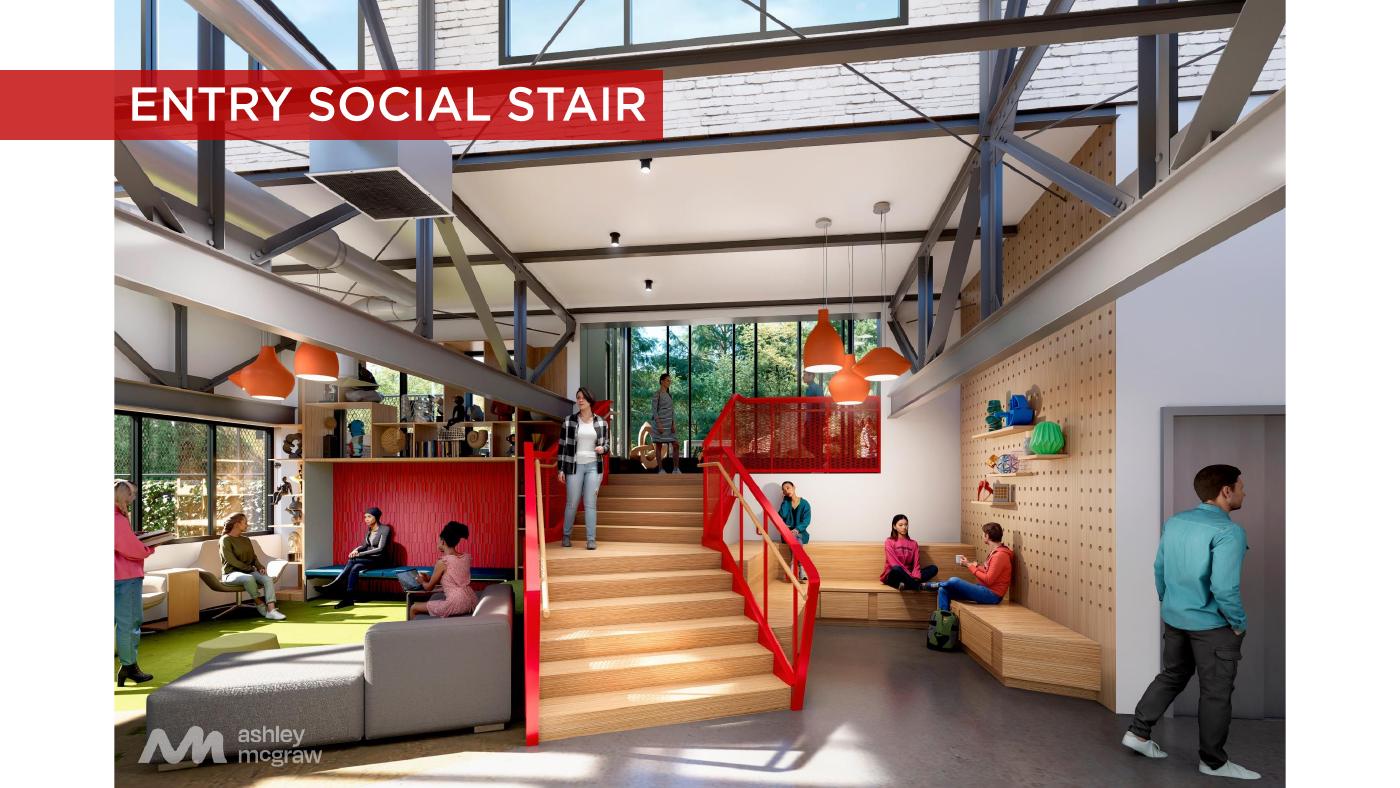
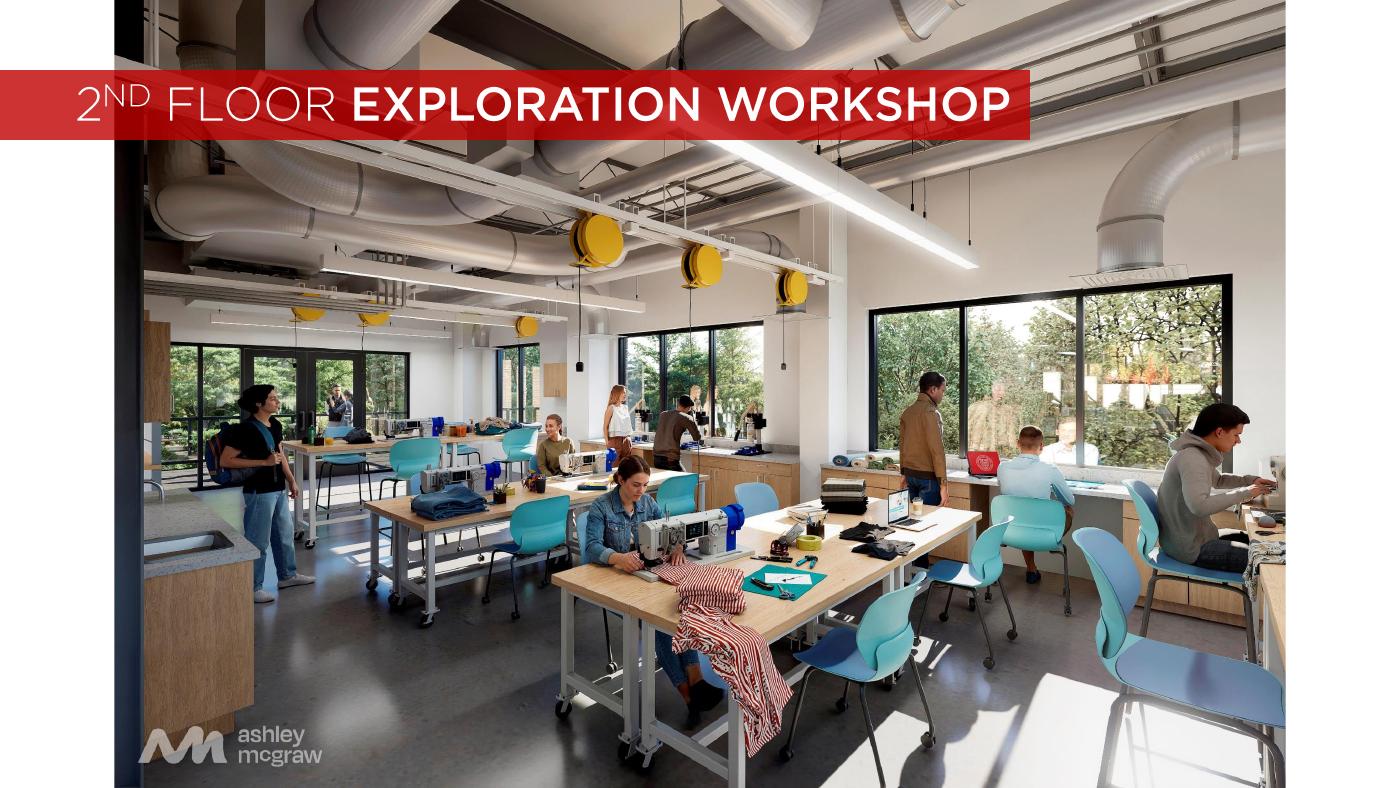
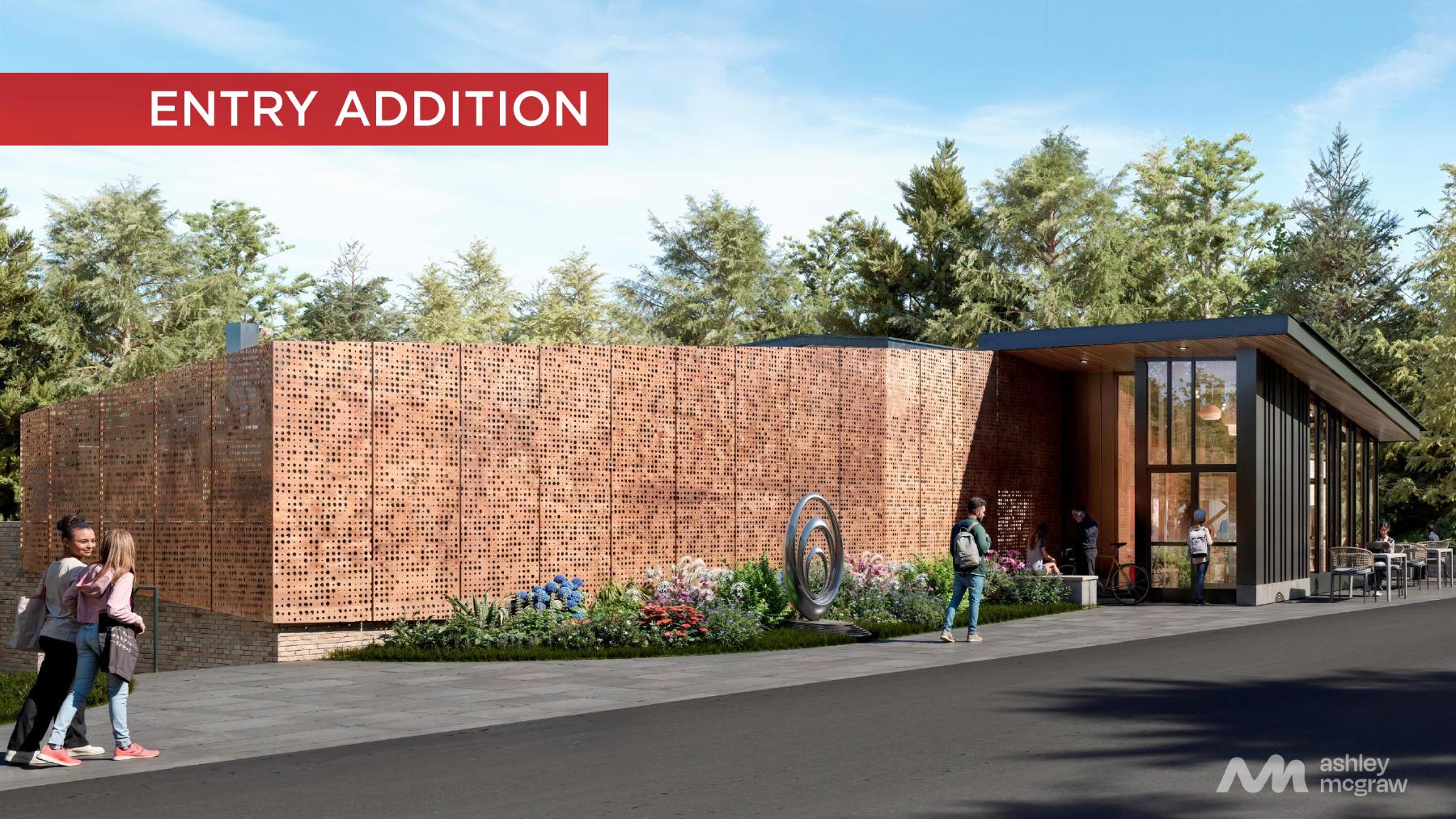
Architectural rendering of the planned Beebe Hall Maker Hub entrance
Beebe Hall entrance · Ashley McGraw

Ten spaces to try something new.

Open a studio below to see its planned tools and equipment.

01Making ExplorationDevelop ideas, collaborate and present your work.

Plotters and printers; tool vending machines; projector and presentation setup; whiteboards and tack boards; digital displays.

02Capture StudioRecord and edit creative media.

Sound-isolated space; green screen; overhead pipe grid for lighting and VR; editing computer and software.

03Craft StudioExplore paper, stickers, buttons and foam models.

Paper cutter; laminator; button maker; sticker maker; foam cutter.

04Fabric StudioSew, embroider and print onto garments.

Sewing machine; embroidery machine; serger; fabric cutter; direct-to-garment printer.

05Plastics StudioExplore 3D printing, molding and plastic recycling.

3D printing equipment; injection molding machine; filament extruder and recycling setup. Printer types and models are still to be confirmed.

06Mill and Mold StudioExperiment with precise cutting, circuits and robotics.

Small laser cutter; printed circuit board mill; tabletop robotic arm; vacuum pump; flatbed cutting system; desktop CNC router.

07Metal StudioCut, bend and shape sheet metal.

Metal shearing machine; metal brake; metal roll-forming machine.

08Wood StudioCut, sand and drill wood.

Band saw; sander; drill press.

09Clay / Glass StudioExplore clay and kiln-fired materials.

Kilns and wheels.

10Finishing StudioExplore surface finishes.

Spray booth; benchtop sandblasting equipment. Final equipment specifications are to be confirmed.

Based on the supplied Maker Hub overview and studio plans. Equipment may change as the space develops.

Prepare before you enter the shop

Training, reservations, materials, costs, and hours vary by space. Use each official page as the source for current information.

Get Involved with Our Community

Make personal projects with Cornell Maker Club. Check membership and training requirements, then contact the club for its current schedule.

Discover maker community
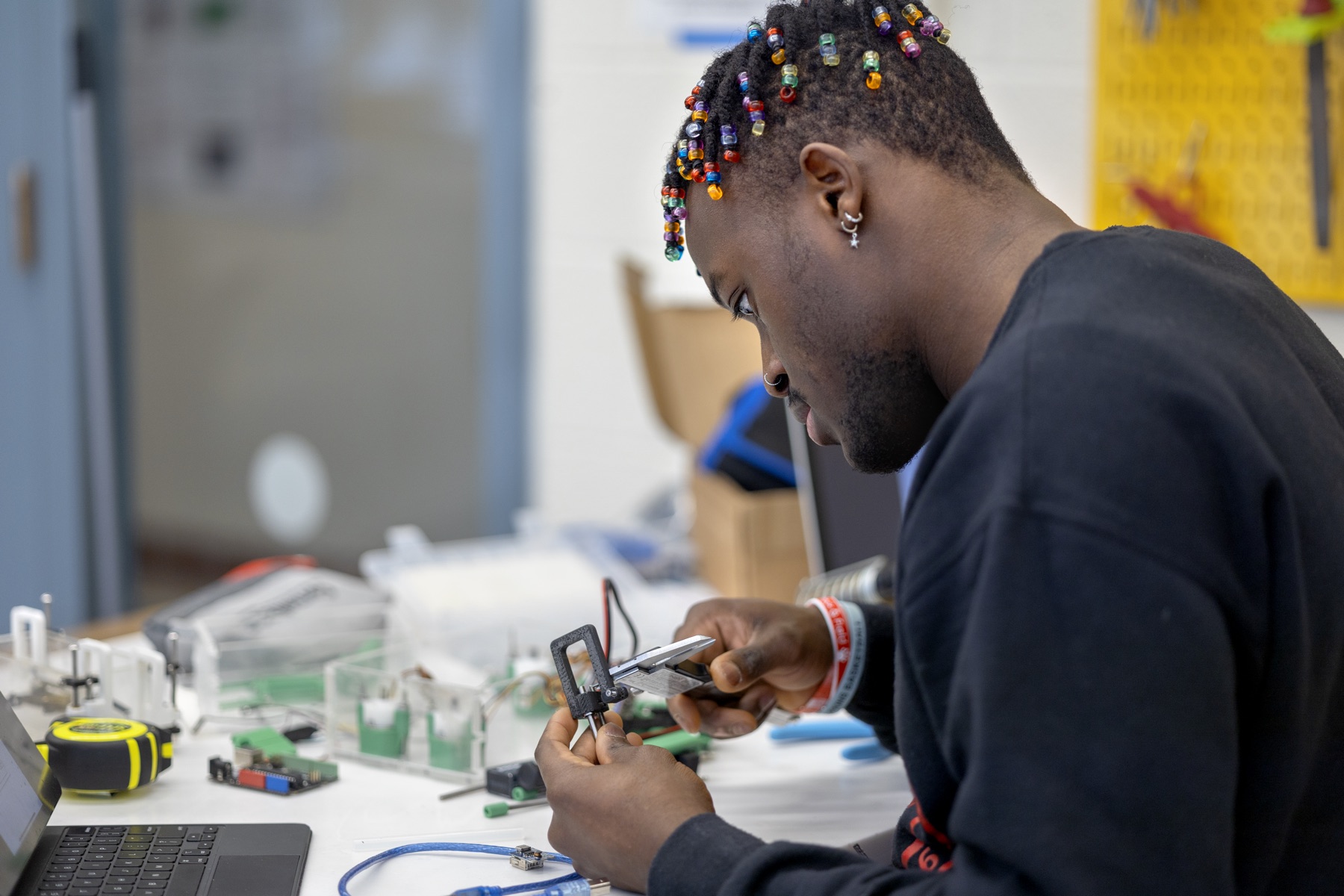
Student soldering an electronics project at the 2023 Maker Club Makeathon
Maker Club Makeathon · Duffield Hall, 2023

Frequently Asked Questions

How should I choose a space?

Start with the equipment your project needs, then check who each space serves and how to get access. Each space’s official website has the current details.

Do I need training to use equipment?

Yes. Most spaces require safety training and tool-specific training before you can use equipment. Check each space’s website for its requirements.

Can I use a makerspace if I’m not a Cornell student?

It depends on the space. Eligibility differs by facility, so contact the space directly to ask whether you qualify.

How can I get help with my project?

Contact the space’s staff. Many spaces offer consultations, appointments or workshops to help you plan and build your project.